
Tether integrates with all the systems in your supply chain
 Gary Sahota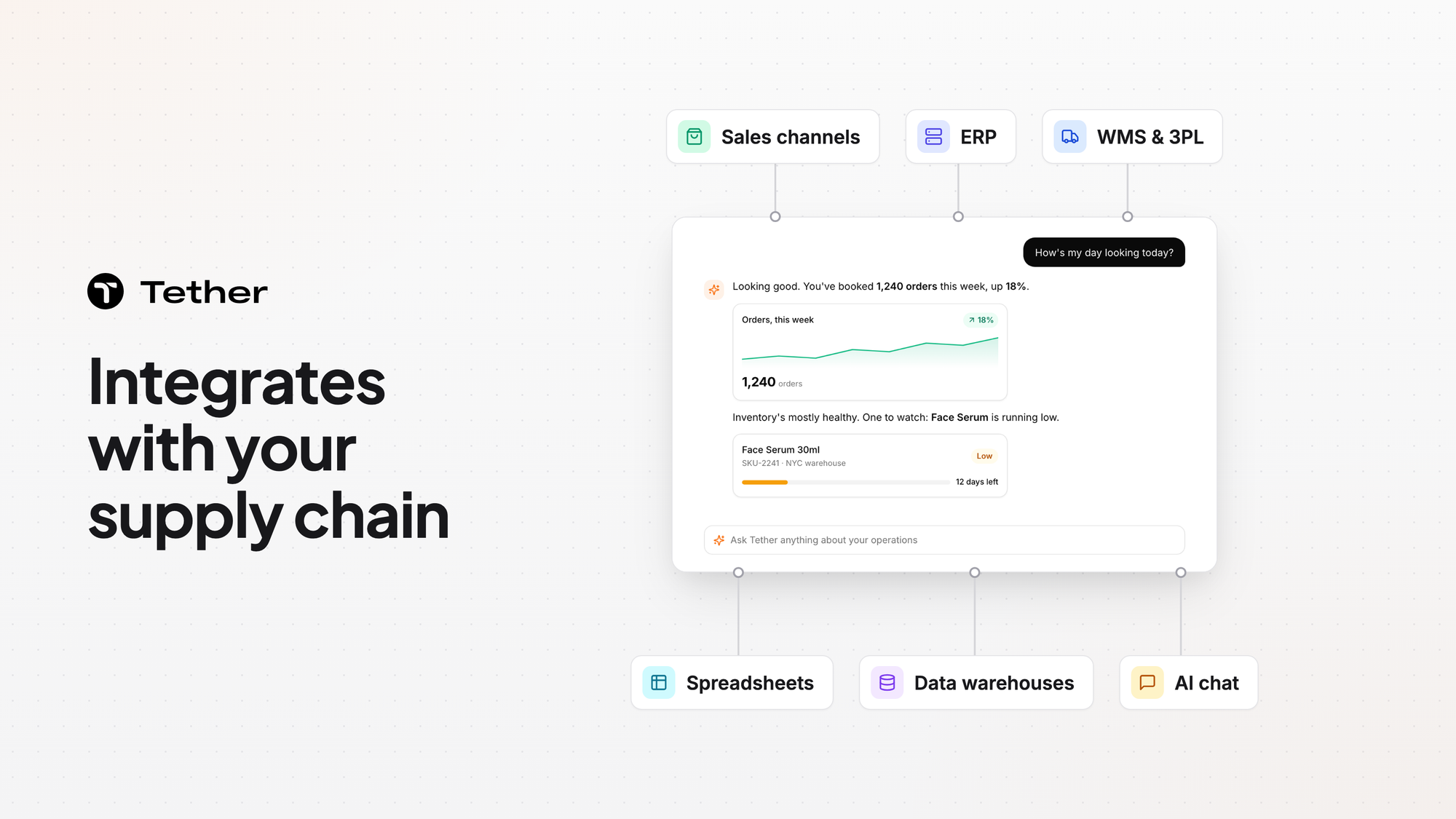
Tether connects to the systems your brand already runs. You can unify data from your ERP, warehouse and inventory systems, retail channels, spreadsheets, partner portals, and more. The integrations page lists 245+ integrations. Tether syncs purchase orders with your ERP and connects to the warehouses and 3PLs you already use.
The integrations page groups systems by category
Tether's supply chain integrations are grouped by category on the integrations page. The categories are Sales Channels, Warehouse & Fulfillment, Finance & Planning, AI Chat, Automation, Data & Analytics, Productivity & Analytics, Coding & Software Development, and Shipping & Logistics.
Tether brings in sales, orders, inventory, and purchase orders
Here is the data Tether works with.
- Sales: Tether pulls sales from Shopify, Amazon, EDI, your ERP, or data warehouses like BigQuery and Snowflake for demand planning.
- Sales orders: Orders flow in from Shopify, Amazon, TikTok, and wholesale EDI and are routed to the right warehouse.
- Inventory position: Tether tracks stock by state as on hand, sellable, committed, unsellable, in production, and in transit.
- Purchase orders: Tether auto-drafts POs from inventory needs and tracks each one from draft to receipt.
Sales numbers update near real-time with lightweight delta syncs. Connecting Amazon takes less than a minute.
Tether routes each order under rules you build
Tether connects to the warehouses and 3PLs you already use and decides where each order should go under routing rules you build.
Purchase orders stay synced with your ERP
In purchase order management, Tether syncs POs with your ERP and shows how incoming stock affects your forecast. Tether also runs an automatic analysis and reconciliation of the initial plan against the actual receipt.
Tether can integrate systems that are not on the list
The integrations page says Tether is constantly building new integrations and can integrate any ERP, spreadsheet, partner portal, PDF, or system you'd like.
Tether AI reads PDF purchase orders and sales orders, then a person checks them.
FAQ
Do we have to replace our ERP to use Tether?
Keeping your ERP is one of three ways to run Tether. You can run Tether as a planning layer on top of the ERP you already have, as a replacement for an ERP you have outgrown, or as the foundational system for a brand with no ERP yet.
Do we have to replace our WMS or 3PL?
Your 3PL or WMS still runs the floor. Tether works alongside it instead of replacing it.
How long does setup take if our data is messy?
Implementation typically takes 2 to 4 weeks. The Tether team handles the data migration and mapping for you, and no data cleaning is required.
What support do we get from Tether?
Every plan includes a dedicated Slack channel or email for support. During onboarding you can also have optional weekly 30-minute calls. Urgent requests get a response within 24 hours, and Tether guarantees 99.5% uptime.
Does Tether connect to Slack?
Tether has a Slack connector built and ready to use for customers. You can read more in Talk to Tether AI in Slack.
Can we see what Tether AI changed in the Tether app?
Tether AI drafts POs and other changes in the Tether app. Each change is recorded in a visible edit log that shows who, what, why, before, and after.
Does Tether use our data to train AI models?
Tether does not use any of your data to train any AI models. If you leave, Tether exports your data within 30 days and confirms in writing that it has been deleted.


