

Standing reports from Tether AI ✨
 Gary Sahota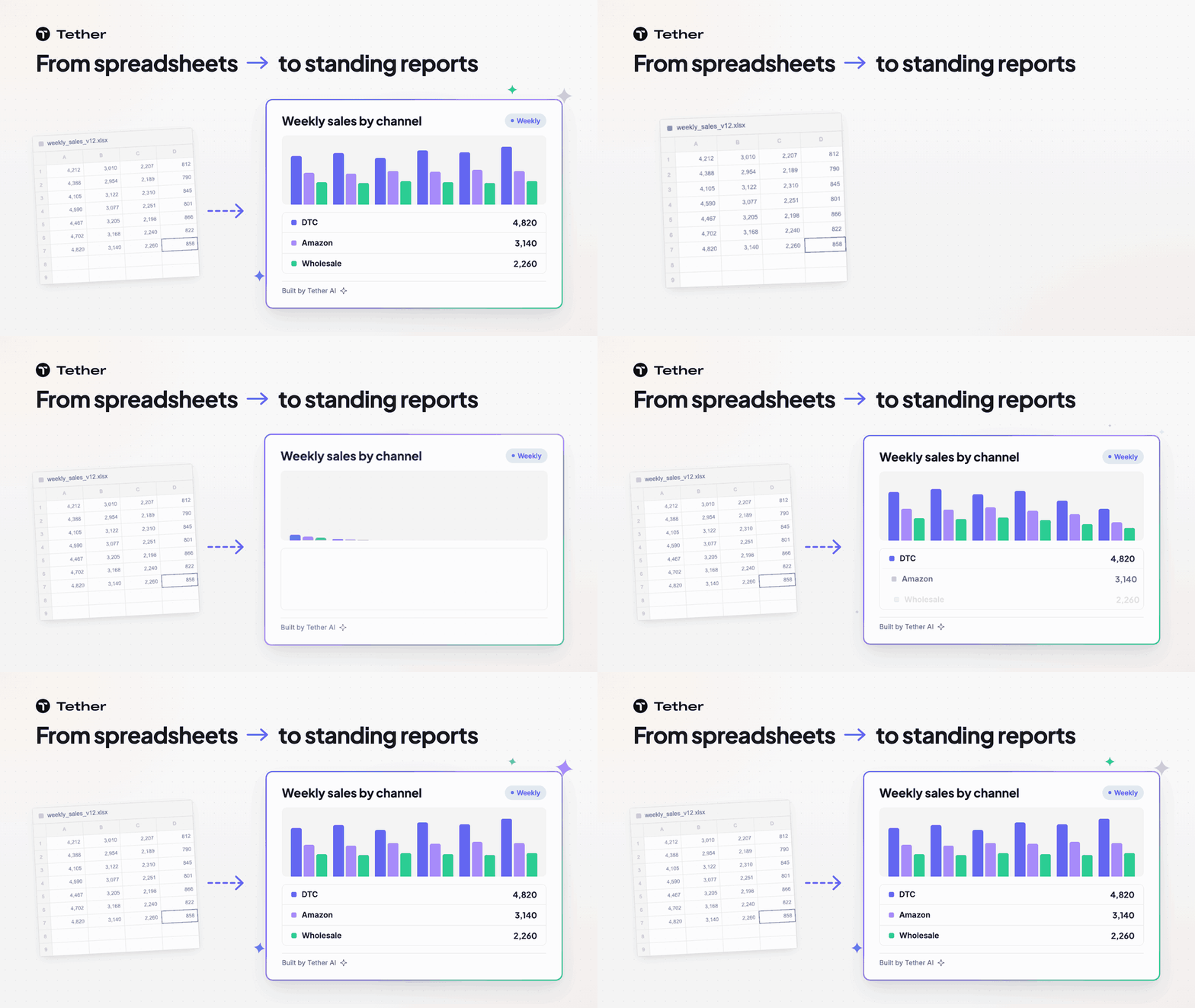
Standing reports let you ask Tether AI for a report once and stop rebuilding it by hand. Tether AI builds a custom report with tables and charts on request. It then reruns that report on a schedule such as daily, weekly, or monthly.
Why standing reports exist
Standing reports exist because no two teams read their numbers the same way, and a fixed screen cannot show every cut.
One leader wants sales by channel for the last few weeks. Another wants sales history by SKU. A third wants wholesale numbers in front of them before a buyer meeting.
A fixed dashboard only shows the cuts someone chose in advance. Building a new dashboard for each request takes an analyst's time, so most requests end up in a spreadsheet instead. Someone exports the data, pastes it into last week's file, fixes the formulas, rebuilds the charts, and sends it around before the meeting. Those files hold the numbers leadership acts on, and one pasted range or broken formula can change them without anyone noticing.
With standing reports, you ask for the report you want and Tether AI builds it as a custom report, instead of you choosing from fixed pages.
Examples of the types of standing reports
The reports worth turning into standing reports are the ones a team reads at the same meeting every week or month.
Here are a few a team might ask Tether AI to build and rerun:
- Weekly sales by channel shows how each channel sold over recent weeks.
- Inventory position shows where stock stands before the week starts.
- A list of upcoming purchase orders shows which orders are due to arrive and when.
- Forecast versus actual shows where sales are running ahead of or behind the forecast.
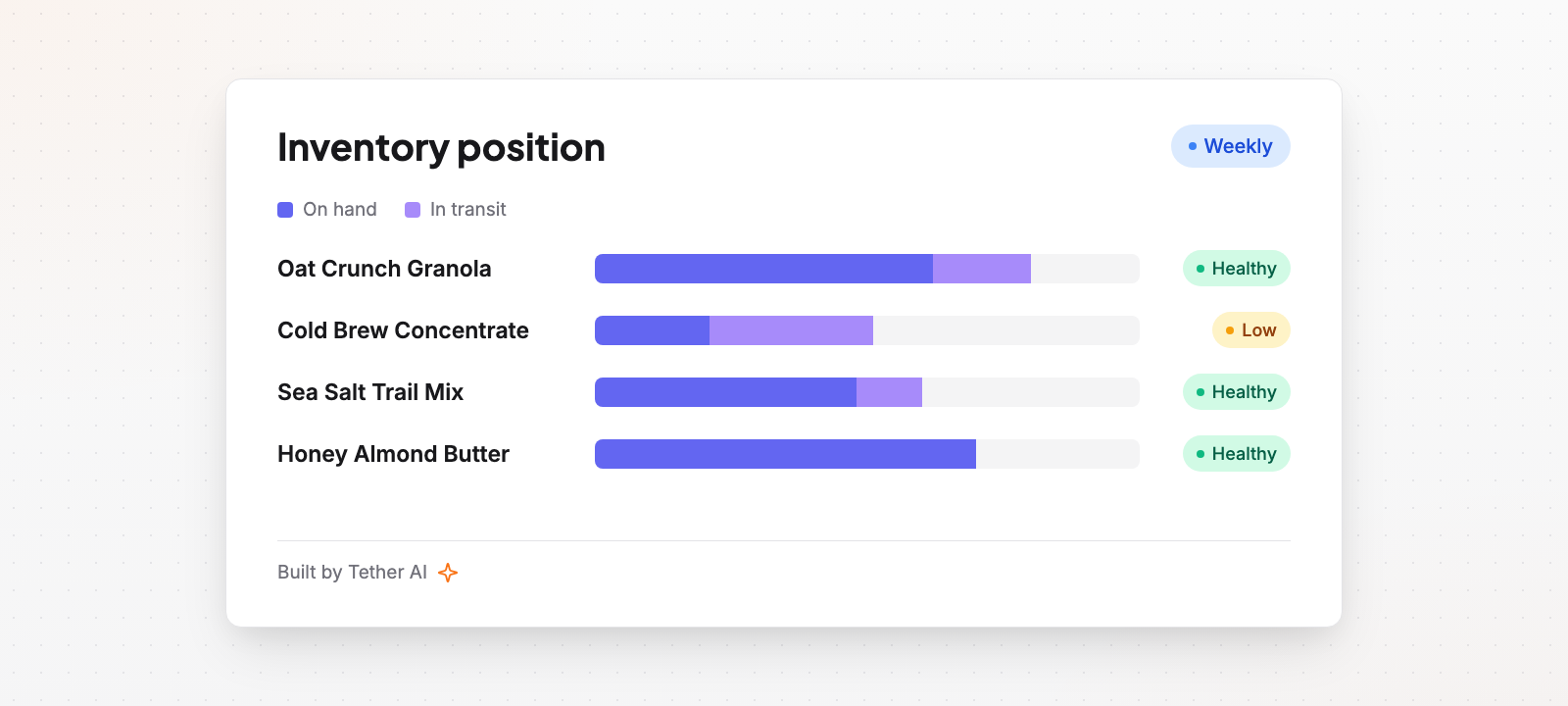
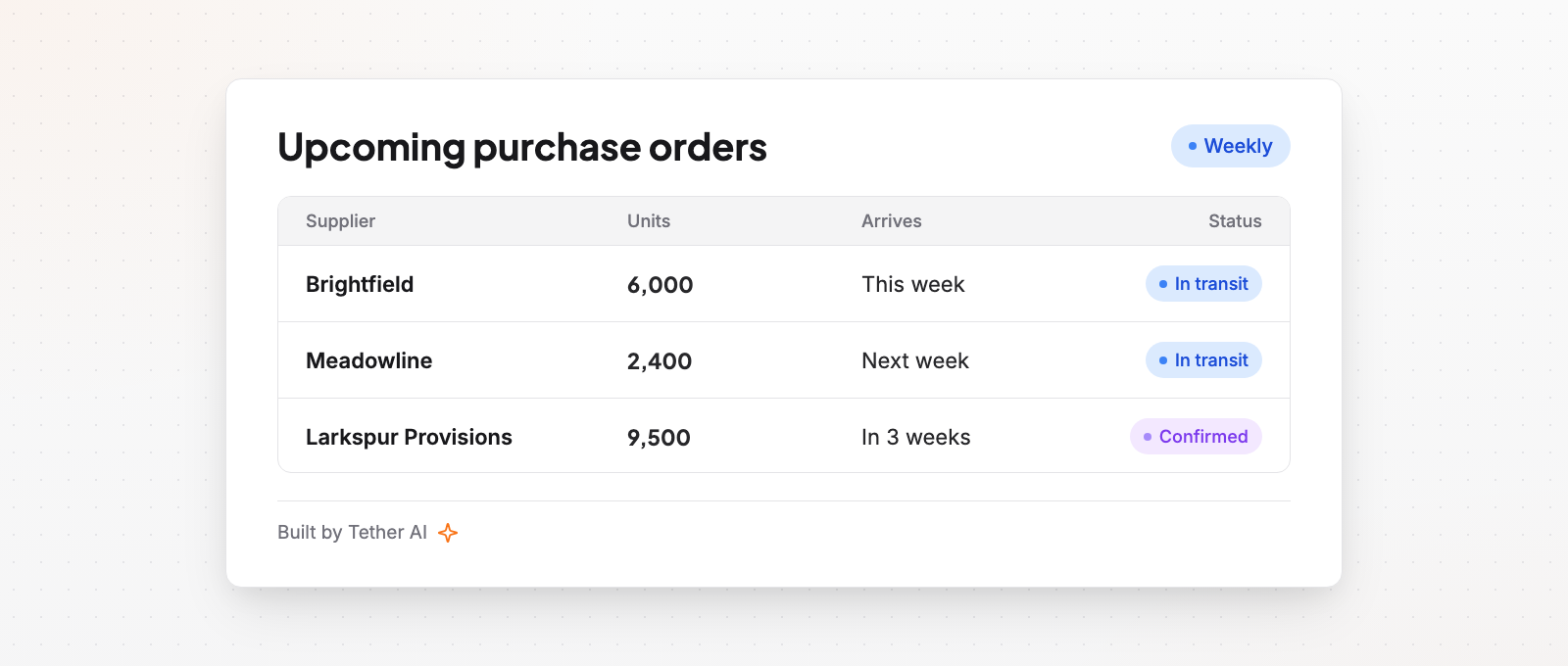
Each of these replaces a file someone would otherwise rebuild before the meeting.
Turn a spreadsheet report into a standing report
The best first standing report is one your team already rebuilds by hand.
Good candidates share a few traits:
- It feeds a meeting that happens on a fixed schedule.
- Someone has to refresh it before each of those meetings.
- More than one person edits the file and the versions drift apart.
Then turn it into a standing report:
- Open the spreadsheet you update every week and write down what it answers. Note the numbers, the cuts, and the people who read it.
- Ask Tether AI for that report in plain English.
- Review the tables and charts Tether AI builds.
- Choose how often it reruns.
A clear request names the measure, the cut, and the time window, such as sales by channel over recent weeks. Start with one report and replace the spreadsheet only when the team trusts the new version. If the report needs a different cut, describe it and ask again.
Match the schedule to the meeting it feeds
A standing report is most useful when its schedule follows the meeting where people read it.
- Daily suits a team that checks its numbers every day.
- Weekly lines up with a weekly operations review.
- Monthly matches a monthly update to your CEO and board.
For example, an upcoming purchase orders report set to rerun weekly is ready for each weekly operations review.
Tie each report to one meeting, so everyone knows which numbers they will see there.
Where standing reports fit in Tether AI reporting
Standing reports are one part of the reporting work Tether AI does inside Tether, the operations system for consumer brands.
Tether AI answers ad-hoc inventory, sales, and cost questions in chat. It generates sales-history reports across any slice. It also tracks forecast variance in real time so you course-correct early.
Use chat for the one-off question. When the same question comes up every week, ask Tether AI for it as a standing report.


