

How do you scale supply planning as you add SKUs, retail channels, and 3PLs?
 Gary Sahota
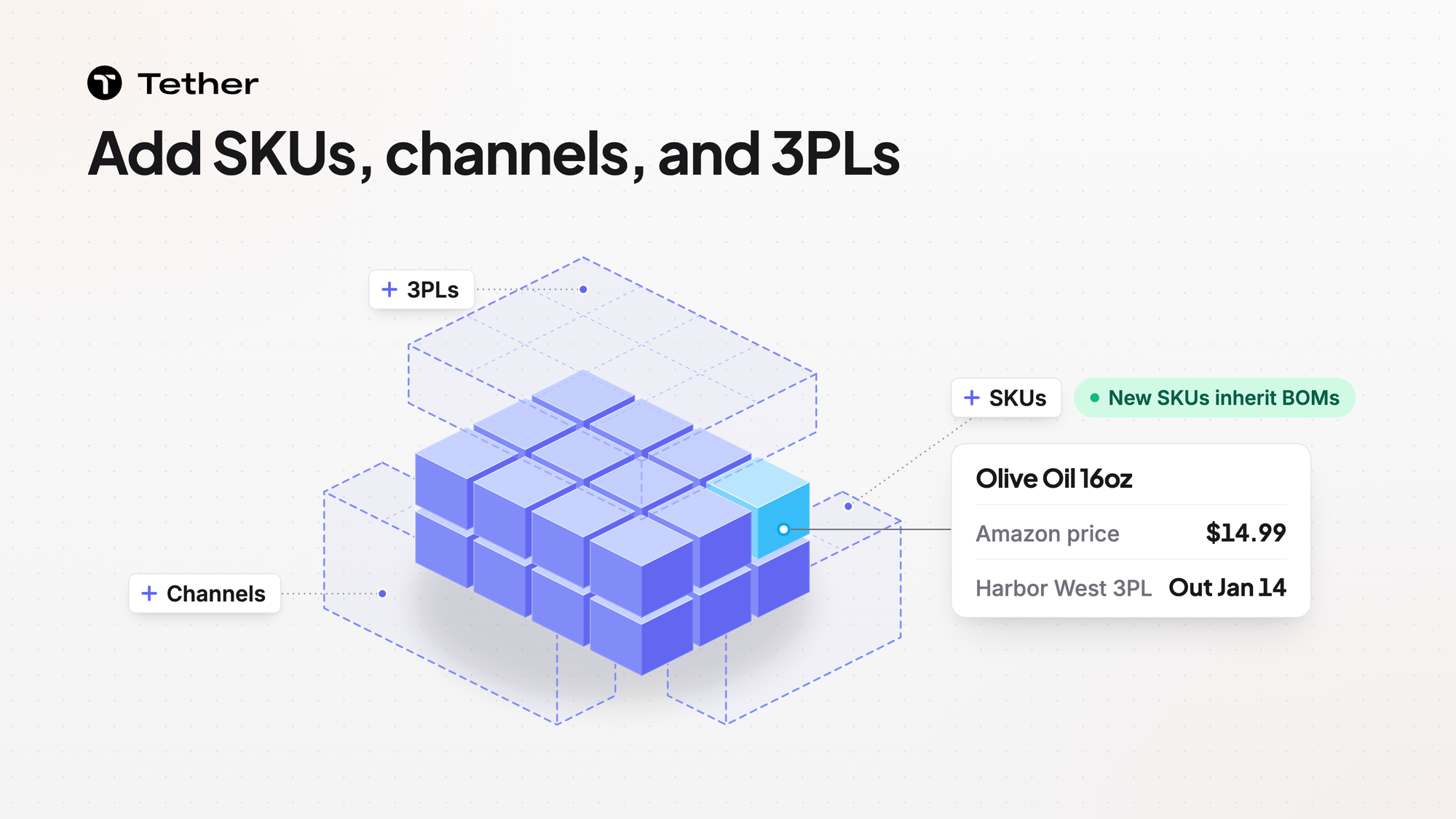
Tether predicts the stockout date per SKU per warehouse. New products inherit their BOM automatically as your catalog grows. Purchase order drafts appear the moment your coverage hits your reorder point. The sections below cover what changes as you add SKUs, retail channels, and 3PLs.
Adding SKUs multiplies the setup behind each product
Each new SKU you make needs a bill of materials, a cost, a supplier, and a price for each channel that sells it. In a spreadsheet each of those is one more row that someone copies and checks by hand. Keep that setup with the product so it does not drift across files as the catalog grows.
Tether supports multi-layer BOMs such as semi-finished goods and kits. The MRP page covers how BOMs are built in Tether.
Tether also shows a true cost per unit on every product. That cost includes shipping, packaging, bundling, and labor as well as materials.
Before you add a batch of SKUs, answer these questions for each one.
- Which components and packaging does it use?
- Which supplier makes it and on what terms?
- Which channels will sell it and at what price?
A new retail channel brings its own prices and orders
Each channel you add tends to arrive with its own prices and its own way of sending orders. Keep those prices attached to the product rather than in a separate file for each channel.
In product management you keep one price sheet per SKU per channel.
Sales orders flow in from Shopify, Amazon, TikTok, and wholesale EDI.
Some retail partners send purchase orders as PDFs. Tether AI reads PDF purchase orders and sales orders.
For forecasting, Tether pulls sales from Shopify, Amazon, EDI, ERP, or data warehouses like BigQuery and Snowflake. Those numbers update near real-time with lightweight delta syncs.
A new 3PL adds a stock location to plan
Each 3PL you add splits your inventory across one more site. Plan every site on its own so spare stock in one place does not hide a shortfall in another.
Tether connects to the warehouses and 3PLs you already use. Your 3PL or WMS still runs the floor. Tether decides where each order should go under routing rules you build.
Before you sign with another 3PL, check whether its system appears on the integrations page. That page lists 245+ integrations.
Reorders arrive as drafts
In PO management drafts appear when coverage reaches your reorder point. Coverage is the days of stock you have left. Each draft already respects your supplier minimums, lead times, and preferences.
A lean team cannot hand-build a purchase order for every SKU at every site. Every order arrives drafted so your team no longer builds each one from scratch.
FAQ
Does adding planners or data raise Tether's fees?
Tether has no usage fees, no per-user fees, no data fees, and no onboarding fees.
How fast can we connect a new sales channel?
It depends on the integration. Connecting Amazon takes less than a minute. Other integrations are not covered by that timing.
What happens when a warehouse runs low?
When Tether predicts a stockout it recommends a purchase or transfer. Your team places the order.


