

Automated purchase orders in Tether
 Gary Sahota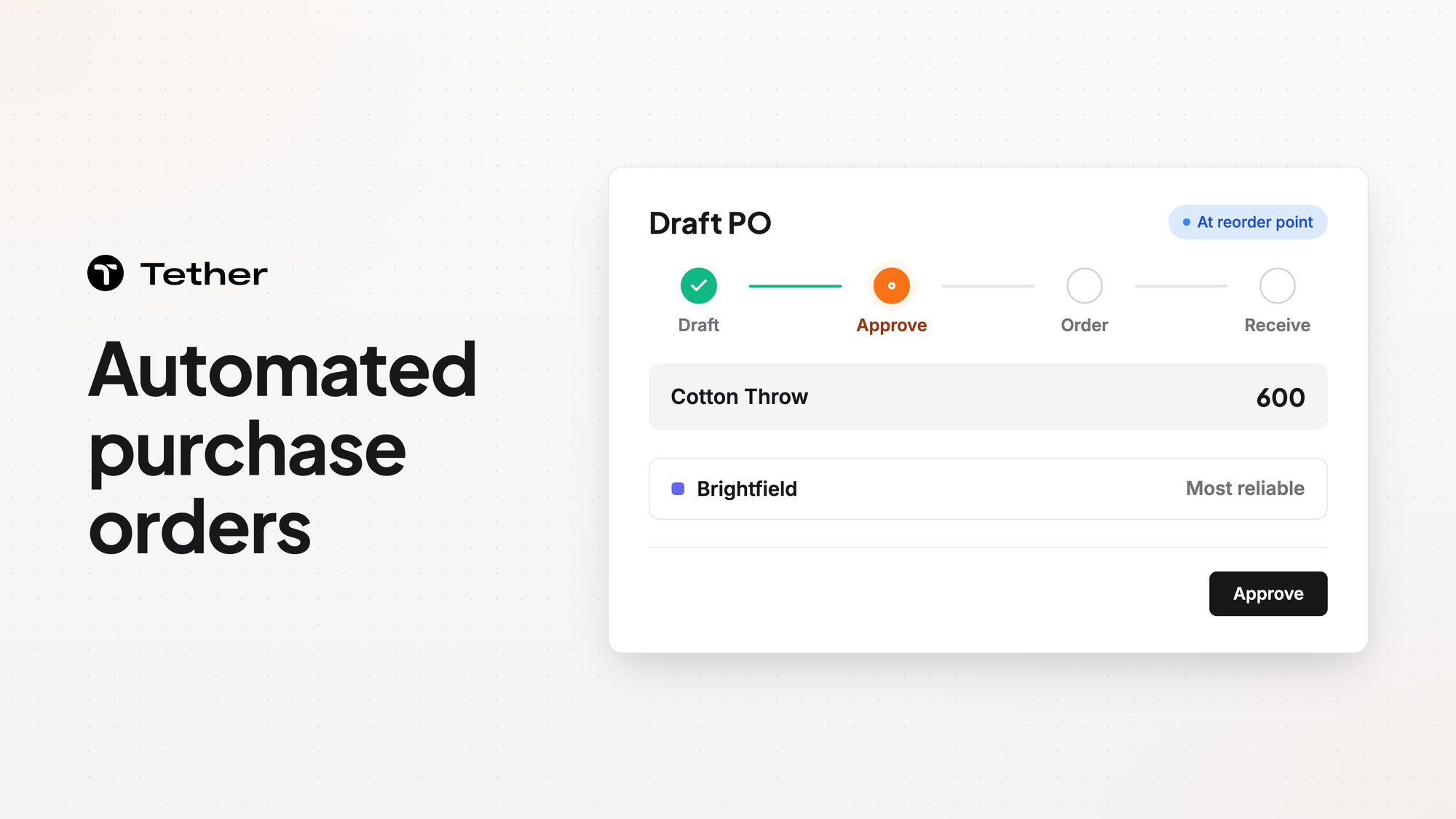
Tether auto-drafts purchase orders from your inventory needs. Each draft appears the moment your coverage hits your reorder point and already respects your supplier minimums, lead times, and preferences. In the Tether app every order arrives drafted, and your team places it. Tether tracks every order from draft to receipt and flags a delivery date that slips.
Drafts appear when coverage hits your reorder point
A draft PO shows up in purchase order management as soon as your coverage reaches your reorder point. Coverage is the days of stock you have left.
Tether predicts the stockout date for each SKU at each warehouse.
Tether respects your supplier terms in supply planning
In supply planning, Tether respects MOQs, lead times, batch sizes, and pallet counts. You can also:
- Draft each PO to your fastest, cheapest, or most reliable supplier.
- Keep multiple suppliers per product and split orders across them by your own rules.
- Build in packaging rules so orders arrive ready for your warehouse.
- Plan around supplier holidays so a closure never catches you off guard.
- Base every reorder on what suppliers have actually delivered.
- Track production and shipping time separately so each estimate holds up.
- Track on-time delivery and quality so sourcing sharpens over time.
The post on supplier lead times and purchase orders covers lead times in more depth.
Your team places the orders Tether recommends
When Tether predicts a stockout, it recommends a purchase or transfer. That recommendation becomes an order only when someone on your team places it.
Follow every order from draft to delivery
You can follow every order from draft to delivery in purchase order management. You get flagged the moment a delivery date slips, long before it becomes a stockout. Purchase order management syncs with your ERP.
Tether also runs an automatic analysis and reconciliation of your initial plan against the actual receipt.
FAQ
Can Tether AI draft a purchase order for me?
In the Tether app, Tether AI drafts POs and other changes, and your team decides which ones to apply. Tether records each of those changes in a visible edit log that shows who, what, why, before, and after.
What happens to my forecast when a shipment slips?
When a shipment slips, your forecast updates on its own. Purchase order management shows how incoming stock affects that forecast.
Do I have to replace my ERP to use Tether?
You can run Tether as a planning layer on top of the ERP you already have. Tether can also replace an ERP you have outgrown or serve as the foundational system for a brand with no ERP yet.
How long does it take to get started?
Implementation typically takes 2 to 4 weeks. The Tether team handles the data migration and mapping for you, and no data cleaning is required.


