

How does Tether Data's AI automation work?
 Gary Sahota
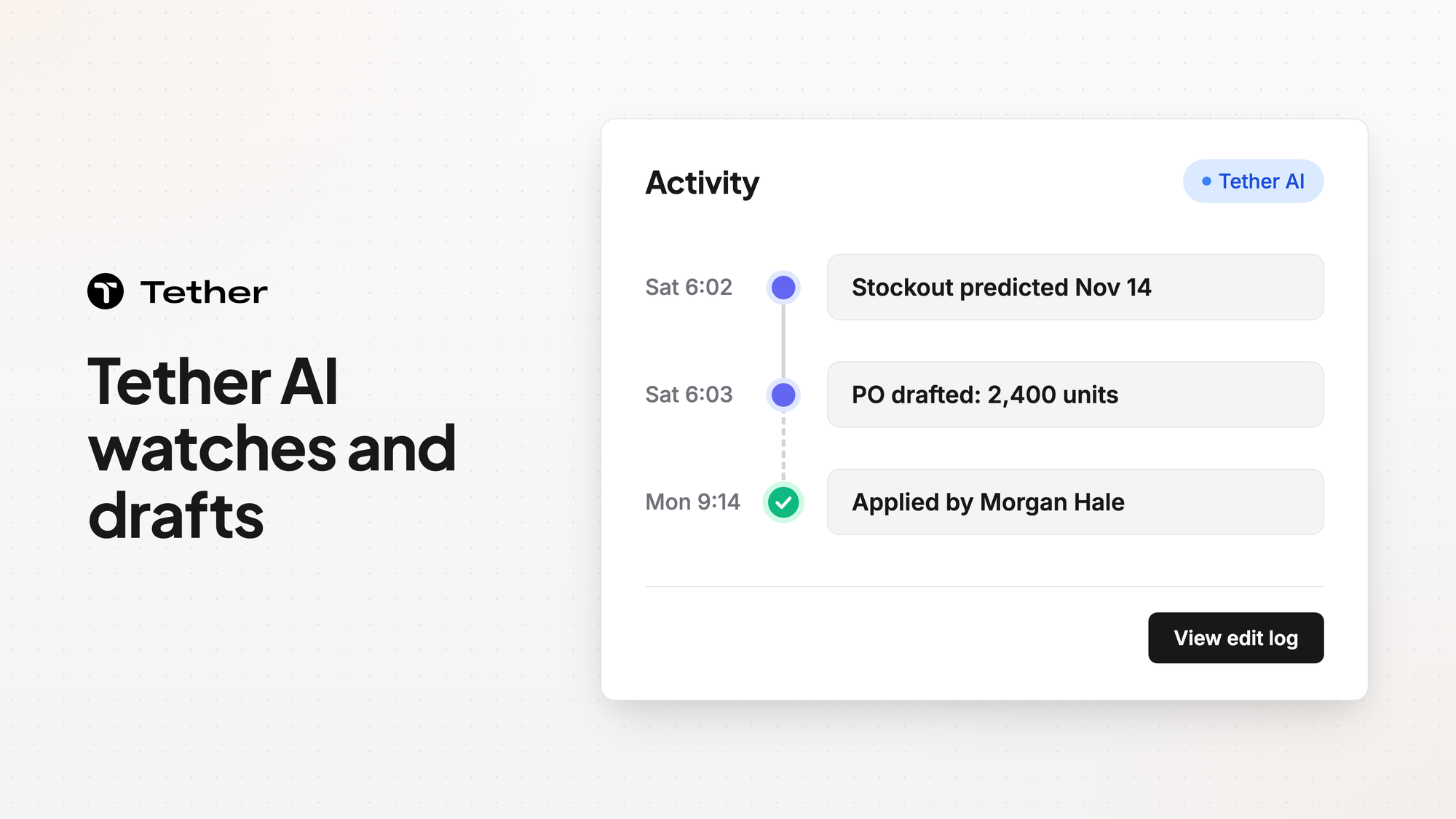
Tether includes an in-house supply chain teammate called Tether AI. It watches inventory and drafts POs and other changes. In the Tether app, your team chooses which drafted changes to apply. Each applied change goes into a visible edit log. Around Tether AI, the rest of Tether flags stockouts early and recommends what to buy, make, or move.
What Tether AI watches and drafts
Tether AI watches inventory and drafts work for your team.
- Tether AI predicts the exact stockout date for any product at any warehouse.
- It replans on every change. That includes a new warehouse, a new SKU, or a new cost.
- It tracks forecast variance in real time so you can course-correct early.
- It drafts Monday's POs over the weekend so you arrive to a queue.
Tether AI also keeps memory per organization and per user. It has a supply chain layer that knows what a SKU, a PO, a supplier, and a transfer are.
What the rest of Tether flags and recommends
Tether catches stockouts and late deliveries early.
Coverage weighs demand and incoming POs together. That way stockouts get flagged while you can still act. You also get flagged the moment a delivery date slips, long before it becomes a stockout. When a shipment slips, your forecast updates on its own.
Inventory management shows days of stock rather than a raw number. The health status recalculates automatically as demand fluctuates.
Tether also drafts and recommends replenishment.
- PO drafts appear the moment your coverage hits your reorder point. Coverage is the days of stock you have left.
- Each draft already respects your supplier minimums, lead times, and preferences.
- Tether recommends POs, production runs, and transfer orders sorted by urgency. Each recommendation comes with a source, a destination, and a reason.
- Tether recommends reducing or cancelling a purchase, production run, or transfer you no longer need.
Standing reports and Slack alerts
Tether AI also reports to your team on a schedule.
Tether AI sends scheduled reports plus Slack alerts. With standing reports, Tether AI builds a custom report with tables and charts on request. It then reruns that report on a schedule such as daily, weekly, or monthly.
Tether has a Slack connector built and ready for customers to use. The Slack connector post covers it in more detail.
Your team places the orders
Your team applies what Tether AI drafts and accepts or rejects what Tether recommends.
In the Tether app, each change Tether AI drafts applies only when someone on your team chooses to apply it. The visible edit log shows who made each applied change, what changed, why, the value before, and the value after.
When Tether predicts a stockout, it recommends a purchase or transfer. Nothing is ordered until someone on your team accepts it and places the order. Your org can also require a second person to accept it first. That setting is optional and off by default.
When a recommendation does not fit, your team can reject it. Rejecting a recommendation records a reason and can add it to a Never list.
FAQ
Does Tether use my data to train AI models?
Tether does not use any of your data to train any AI models. The post on how Tether AI remembers your business covers what it keeps for your organization and for each user.
Can Tether AI place an order on its own?
Tether AI drafts POs for your team to work from. In the Tether app, a drafted PO applies only when someone on your team chooses to apply it. Purchase order management lets you follow every order from draft to delivery.
What happens to PDF orders Tether AI reads?
Tether AI reads PDF purchase orders and sales orders. It then waits for a person to check them.
What about changes made through Claude or ChatGPT?
Changes you make through Claude, ChatGPT, or another MCP client run with your own permissions. They skip the in-app step where your team chooses which drafts to apply. The drafts and the edit log described in this post are part of the Tether app.


